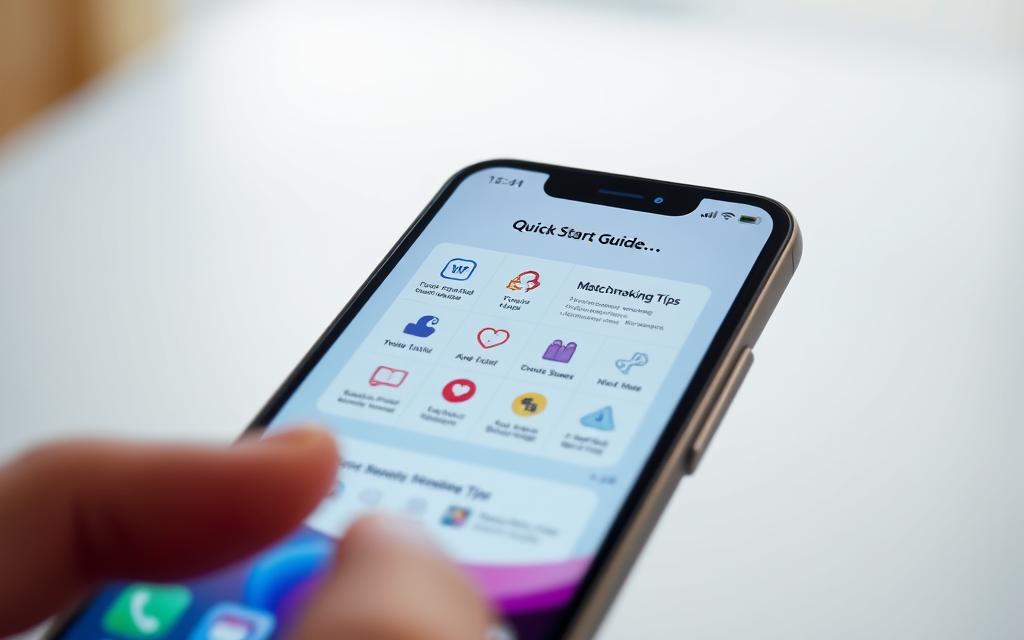
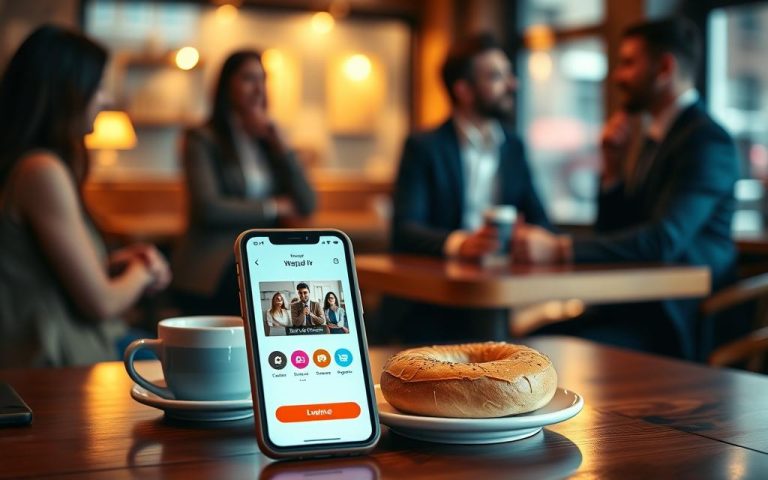
Can a dating app turn passing someone on the street into a meaningful connection? This guide shows how to use Happn to meet people you see every day.
Happn is a dating app that connects you with people you’ve met in real life. This could be at a café, on your commute, or at the gym.
Happn has millions of users worldwide. It’s a popular choice for finding love in the United States and globally. When you meet someone on Happn, their profile shows up in your timeline. You can like them secretly, send a SuperCrush, chat, and maybe even go on a date.
Happn helps you make real connections by showing where you both go. It also gives you prompts to start conversations. Most features are free, but Premium offers extra perks like seeing who liked you first.
This guide will cover key features, how to set up your profile, and privacy settings. It also offers tips for starting conversations. So, you can use Happn with confidence.
Overview of Happn and Its Unique Features
Happn is a dating app that connects people who meet in real life. It was made in France and has over 140 million users. It works on Android, iOS, tablets, and Chromebooks.
What is Happn?
Happn is a dating app that helps you find people you’ve met before. It’s all about reconnecting with someone you saw at a café or gym. Users share short teasers, hobbies, and vibes to show who they are.
How Does Happn Work?
The app records when you were near someone you might like. It doesn’t show exact GPS locations. Instead, it shows when you crossed paths and nearby profiles.
Users can choose to enter a city instead of their exact location. This way, they can keep their location private. When two people like each other, they can start messaging.
Happn uses artificial intelligence to find better matches. Details about the algorithm are not shared. Secret likes are kept hidden until both people like back, keeping things discreet.
Key Features of the App
- Crossing Points: shows profiles of people you crossed paths with, a central differentiator for location-based dating.
- Likes, Crushes, SuperCrush: basic interaction tools. A secret Like becomes a Crush when mutual. SuperCrushs are limited attention-getting actions and may require payment.
- Teasers, Hobbies, Vibes: profile elements that highlight interests and lifestyle in short snippets.
- CrushTime: a gamified feature where users guess who already liked them to spark engagement.
- Safety and privacy controls: location remains invisible to other members and direct messages and video calls are treated as private by the platform.
- Monetization: core features are free. happn Premium offers extras like viewing who liked you and additional SuperCrushs.
Happn is known for its trust and security. It collects location and personal info but keeps it encrypted. Users can delete their data anytime. Reviews say happn is good at keeping user info private.
Setting Up Your Happn Profile
This section will help you set up Happn quickly and thoughtfully. It covers downloading, installing, building, and setting up your profile privacy. This way, you can start using the app nearby with confidence.
Downloading and Installing Happn
To find happn, search “happn” in Google Play or the Apple App Store. The listing shows category, recent updates, and ratings. Make sure your device is compatible before installing to avoid issues.
- Choose the latest version and tap install for a smooth downloading happn experience.
- Grant location permission as “Always” to enable the crossed paths feature that powers how to use the app nearby.
- If setup errors appear, update the app, check Wi‑Fi or cellular connection, and contact happn support at [email protected] if problems persist.
Creating an Attractive Profile
When creating a happn profile, choose recent, well‑lit photos that show your personality. Photos taken in everyday places like cafés or parks are great. They help matches recognize your genuine routines and encourage interactions.
- Upload several clear favorite photos to stand out during the creating a happn profile process.
- Fill Teasers, Hobbies, and Vibes so others see interests beyond images and get easy conversation starters.
- Provide required sign-up details and avoid oversharing sensitive personal information.
- Set age and distance preferences; note that some distance filters may be limited without Premium.
- Use icebreaker suggestions that reference shared spots for relaxed first-date ideas linked to how to use the app nearby.
Adjusting Privacy Settings
Profile privacy settings let you control what appears and how location behaves. Happn hides precise coordinates and shows only crossing points. But, toggling geolocation to manual will reduce the crossed‑paths experience.
- Review mandatory versus optional data fields; optional items like hobbies improve matches while remaining discretionary.
- Avoid linking Facebook, Google, or Apple accounts if minimizing cross‑platform data sharing is a priority.
- Use the app’s My Data tools to manage ad personalization and request data deletion when needed.
- Keep sensitive details off the profile and enable messaging and visibility controls before engaging with matches.
Navigating Connections and Interactions
Happn matches are based on real-life encounters. The app shows profiles of people you’ve crossed paths with at cafés, on public transport, or in parks. You’ll see an indicator that you’ve crossed paths, but not the exact location.
Being active and allowing location updates increases your chances of finding nearby matches. Premium features on happn can also help you stand out. In less crowded areas, you might need to widen your search or change your activity times.
Sending likes and messages on happn requires mutual consent. A Like is only shown if the other person likes back, creating a Crush. This opens up messaging. Paid options like SuperCrush show more interest, but messaging only starts after a mutual Crush.
When you get a Crush, use the shared context to start a conversation. Mention the coffee shop or a hobby to connect. Keep messages short and authentic, suggesting a specific activity. Be careful not to share too much.
For safety, happn has block and report tools to stop unwanted contact. You can report inappropriate behavior through in-app options. The Trust Center explains support and privacy measures. If you face an immediate threat, block, stop talking, and contact the police.
FAQ
What is happn and what makes it different from other dating apps?
Happn is a dating app that shows you people you’ve crossed paths with in real life. It’s different because it focuses on real-life encounters, not just swiping. You can find people you’ve seen at cafés, parks, or work.It’s available on Android and iOS and has over 140 million users worldwide.
How does happn detect and display people I’ve crossed paths with?
Happn uses location data to find when you’ve been near someone else. It doesn’t share exact GPS but shows you who you’ve met. If you both show interest, you can start chatting.Users can choose to enter a city manually, but this might limit the app’s features.
What core features and interaction options does happn offer?
Happn has features like Crossing Points and Likes. You can send a SuperCrush to stand out. There are also Teasers, Hobbies, and Vibes to show your personality.CrushTime is a fun way to guess when you met someone. The main idea is to see someone, Like them secretly, and chat if it’s mutual.
How do I download and install happn, and what permissions are required?
You can find happn on Google Play for Android and the Apple App Store for iOS. It works on many devices, including tablets and Chromebooks. You’ll need to grant some permissions to use it fully.For the best experience, allow location access. The app might also ask for device identifiers and media for photos.
How should a user create an effective happn profile?
Use recent, well-lit photos that show your personality. Add Teasers, Hobbies, and Vibes to give hints for conversations. Fill in the basic details but keep personal info safe.Use hobbies and Vibes to suggest fun first-date ideas related to where you met.
What privacy settings are available and how can I limit data sharing?
Happn keeps your exact location private and only shows crossing events. You can disable geolocation and enter a city manually. This reduces the app’s features.The app classifies data into mandatory, required-for-features, or optional. You can leave optional fields blank. Avoid linking third-party accounts to share less data. Happn encrypts data and allows you to delete your information.
How do nearby matches appear and what affects how many I see?
Nearby matches appear when you cross paths with other users. The number of visible profiles depends on local density and user activity. In less-populated areas, you might see fewer profiles.Subscribing to Premium and keeping location updates active can help you see more people.
How does the Like, Crush and messaging system work?
You can Like someone discreetly; they won’t know unless they Like back. When both Like each other, you can start chatting. SuperCrushes are special features to show more interest.Messages, including private DMs and video calls, are only possible after a mutual Crush. Happn prevents unsolicited messages.
What are best practices for starting conversations on happn?
Use the shared context to start conversations. Reference the place you met or a hobby. Be concise and authentic.Avoid oversharing sensitive details. Use Vibes and hobbies to frame questions or invitations. Keep the tone relaxed to encourage natural conversation.
How do I block or report someone on happn?
Happn has tools to block and report users. Use the profile or chat options to block someone and report inappropriate behavior. For safety threats, stop communication, block the user, and contact authorities.For technical issues, contact happn support at the app’s help pages or
[email protected].
Is happn free, and what does Premium add?
Happn’s core features are free. Premium adds extras like seeing who already liked you and more SuperCrushes. Premium can improve your chances of finding matches, but many users find success with the free version.
What data does happn collect and how is it protected?
Happn collects location data, required account information, and optional profile data. Data is encrypted in transit. You can request data deletion.Independent reviews say happn is ahead in privacy and security. Linking third-party accounts increases shared data.
Why might I see few matches and how can I improve results?
Few matches might be due to low user density or limited app activity. To see more, enable location access, broaden filters, and use Premium. Update your profile to encourage more Likes.Adjusting your routine or visiting busier places can also increase crossings.